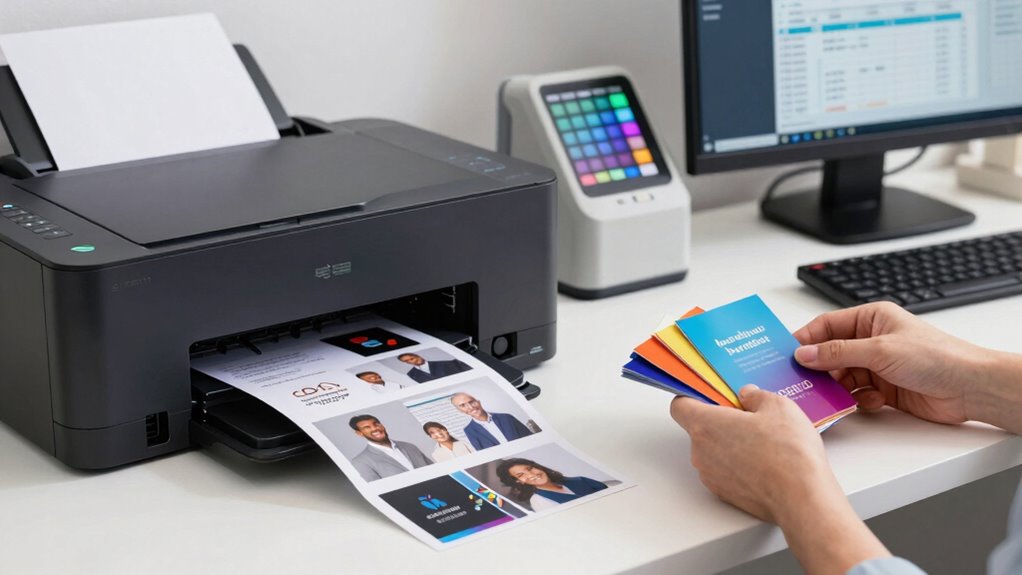

To print client aftercare cards more efficiently, you should leverage digital printing technology, which allows for quick, high-quality results with minimal waste. Make certain your files use high-resolution images and are well-organized to streamline the process. Regularly calibrate your printers for consistent color accuracy and utilize print management software to schedule jobs. Automate your workflow and use digital proofs to catch errors early. Keep optimizing your setup—there’s more to explore for even better results.
Key Takeaways
- Utilize digital printing for quick, cost-effective production of personalized aftercare cards in small batches.
- Maintain strict color management to ensure consistent, vibrant visuals across all card prints.
- Prepare high-resolution, organized design files with automated templates to streamline printing and reduce errors.
- Implement digital proofing for early error detection, minimizing reprints and delays.
- Use print management software to schedule, track, and optimize workflow for faster turnaround times.
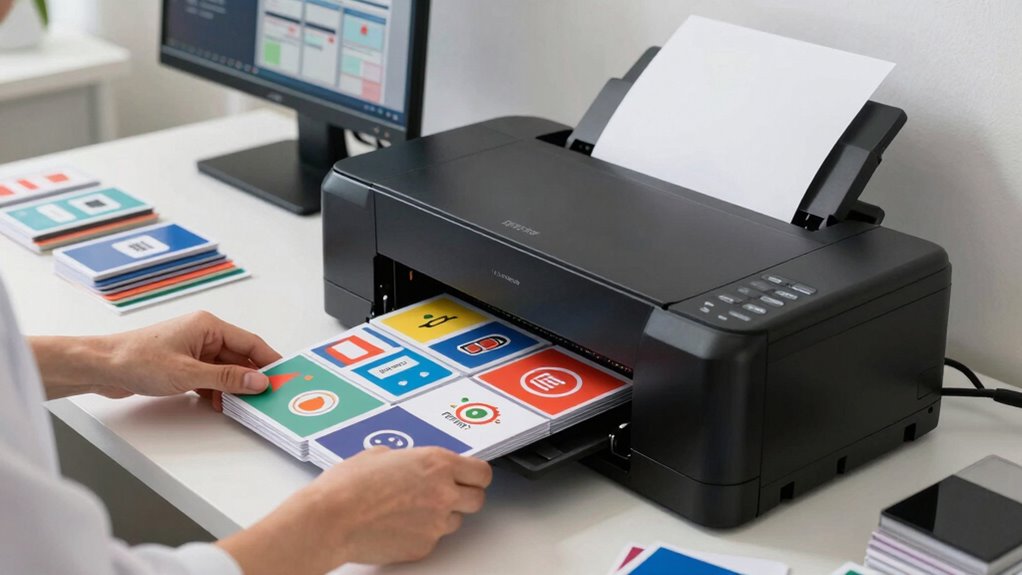
Printing client aftercare cards can be a time-consuming process, but with the right strategies, you can make it much more efficient. One of the most effective ways to streamline your workflow is to leverage digital printing technology. Digital printing allows you to produce high-quality cards quickly and cost-effectively, especially in small batches or on demand. Unlike traditional offset printing, digital methods don’t require lengthy setup times, so you can print multiple runs with minimal delay. This flexibility helps you respond swiftly to client needs and reduce waste, guaranteeing you’re not stuck with excess inventory.
Another key factor in efficient printing is maintaining excellent color management. When printing aftercare cards, you want the colors to be consistent and vibrant across every batch. Proper color management involves calibrating your printers and monitors regularly, using color profiles, and selecting the right paper and ink combinations. This guarantees that your printed materials match your digital designs perfectly, avoiding costly reprints due to color discrepancies. Accurate color reproduction enhances your professional appearance and builds trust with clients, showing that you pay attention to detail. Additionally, understanding digital printing technology can help you choose the best equipment and techniques to optimize your results.
To further boost efficiency, prepare your design files carefully before printing. Use high-resolution images and vector graphics to prevent pixelation or blurriness. Organizing your files with clear layer management and consistent color profiles can also help you quickly make adjustments when necessary. Automating parts of the process, such as using print-ready templates, can save time and reduce errors. Additionally, batching your printing jobs—printing multiple cards at once—maximizes the use of each print run and minimizes material waste. Incorporating print management software can also streamline your workflow by scheduling and tracking print jobs more effectively. Leveraging digital file preparation techniques further reduces the chance of errors and speeds up the entire process.
Incorporating digital printing into your workflow also simplifies the proofing process. Digital proofs can be generated swiftly, allowing you to review color accuracy and layout before committing to full production. This step helps catch mistakes early, avoiding costly reprints and delays. Furthermore, digital printing enables you to experiment with small batches of different designs or messages, giving you the agility to customize each batch without significant extra effort. Building a good relationship with your print provider or investing in a reliable in-house digital printer can also help you stay updated on the latest color management techniques and best practices. They can advise you on optimizing color management settings, selecting the best materials, and refining your workflow for maximum efficiency. By combining digital printing’s speed, effective color management, and smart preparation, you’ll find that printing client aftercare cards becomes a smoother, more streamlined process that keeps your business moving forward.
digital color calibration printer
As an affiliate, we earn on qualifying purchases.
As an affiliate, we earn on qualifying purchases.
Frequently Asked Questions
What Is the Typical Turnaround Time for Printing Aftercare Cards?
The typical turnaround time for printing aftercare cards usually ranges from 1 to 3 business days, depending on your printer’s capabilities. To guarantee quality, you should check ink compatibility to prevent smudging or fading, and prioritize color accuracy for vibrant, professional results. Efficient communication with your printer about these details can help speed up the process, so you get your cards promptly and in perfect condition.
Can I Customize the Design of My Aftercare Cards?
Of course, you can customize your aftercare cards! Who’d want boring, cookie-cutter designs? With design flexibility and a range of personalization options, you can create cards that truly reflect your brand and style. Whether you prefer a sleek modern look or a vibrant, playful design, your options are endless. So, go ahead—make your aftercare cards as unique as your clients’ needs. After all, personalization makes a lasting impression!
What Materials Are Best for Durable Aftercare Cards?
You should choose thick, high-quality cardstock, like 300gsm or higher, for durable aftercare cards. These materials offer excellent material durability, ensuring your cards withstand daily wear and tear. Opt for printing on premium paper with high-resolution printing quality, which enhances the clarity and longevity of the design. Combining sturdy materials with superior printing results in aftercare cards that look professional and last longer, making a great impression on your clients.
Do You Offer Eco-Friendly Printing Options?
Yes, we do offer eco-friendly printing options. Think of it as planting a seed for a greener future—your choices can make a real difference. We focus on eco-conscious choices by using sustainable materials that are gentle on the planet, ensuring your aftercare cards are both durable and environmentally friendly. With our sustainable options, you can confidently promote your brand while caring for the Earth, one card at a time.
How Do Bulk Orders Affect Pricing and Delivery?
When you place bulk orders, you benefit from bulk discounts, which lower the overall cost per card. However, larger orders can sometimes increase shipping costs, especially if the order is heavy or requires expedited delivery. You should consider both factors—bulk discounts and shipping costs—when planning your order. This way, you optimize savings and guarantee timely delivery without unexpected expenses.
high-resolution printing paper for cards
As an affiliate, we earn on qualifying purchases.
As an affiliate, we earn on qualifying purchases.
Conclusion
By streamlining your printing process for client aftercare cards, you’ll save time and reduce costs, allowing you to focus more on your clients. Did you know that businesses that optimize their printing workflows see up to a 30% boost in overall productivity? Implementing efficient printing methods isn’t just smart—it’s essential for staying competitive. So, take control of your printing process today and watch your practice grow with happier, more satisfied clients.
print management software for small business
As an affiliate, we earn on qualifying purchases.
As an affiliate, we earn on qualifying purchases.
automated print templates for business cards
As an affiliate, we earn on qualifying purchases.
As an affiliate, we earn on qualifying purchases.